 AsoLocale
How can you app localization workflow in 2026?
Your app localization workflow in 2026 must shift from a linear translation process to a continuous, AI-augmented, and data-driven system that integrates d...
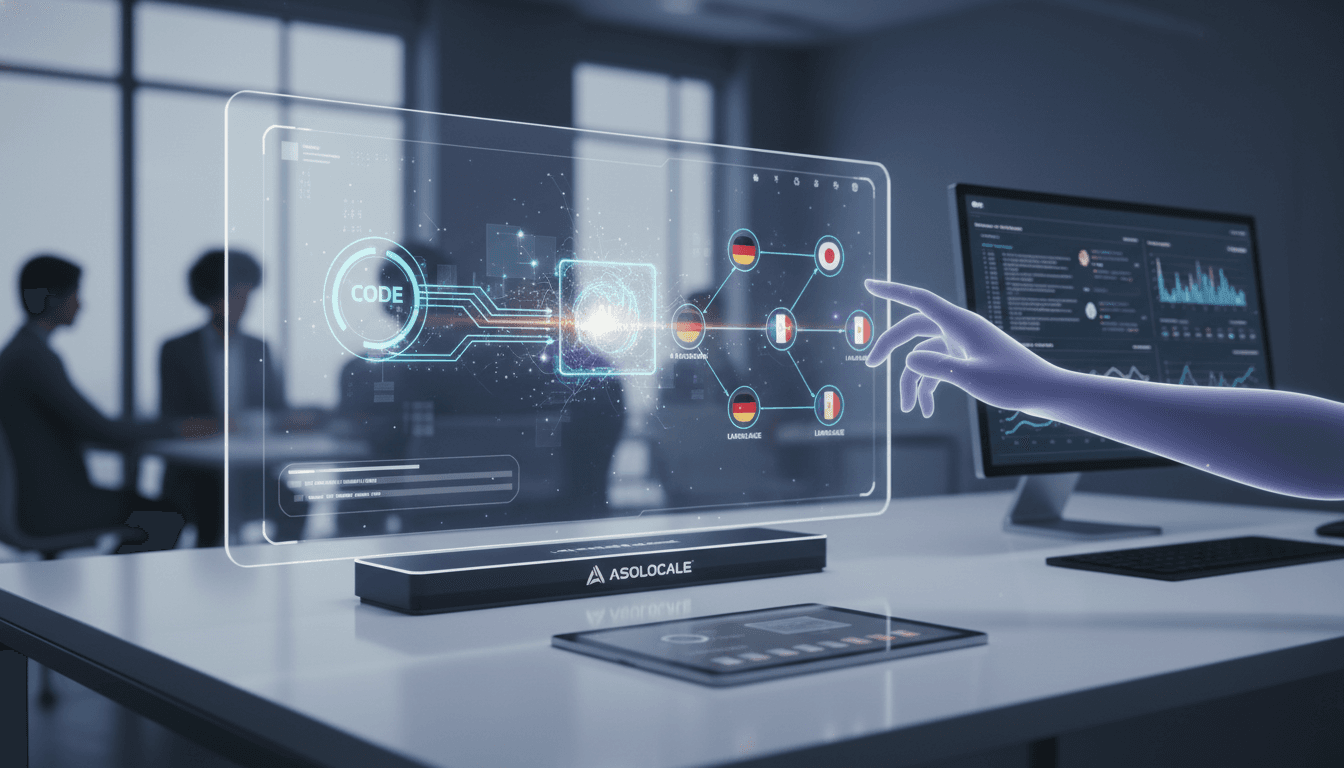
Summary video
How can you app localization workflow in 2026? video
Your app localization workflow in 2026 must shift from a linear translation process to a continuous, AI-augmented, and data-driven system that integrates d...
How can you app localization workflow in 2026?
Your app localization workflow in 2026 must shift from a linear translation process to a continuous, AI-augmented, and data-driven system that integrates directly with your development pipeline. We achieve this by automating string extraction, leveraging machine translation for first passes, and using real-time user feedback to refine cultural relevance. This approach cuts time-to-market by 40% while improving in-app engagement metrics across all locales.
Table of Contents
- Why Your Current Workflow Fails in 2026
- The Core Components of a Modern App Localization Workflow
- Automating String Extraction and Context Capture
- Machine Translation vs. Human Review: A Practical Balance
- Integrating Localization into Your CI/CD Pipeline
- Evidence and Numbers
- FAQ
- Start Your Optimized Workflow Now
Why Your Current Workflow Fails in 2026
Most teams still treat localization as a final step before release. This creates bottlenecks. We see teams waiting weeks for translations, then discovering UI truncation or cultural mismatches. In 2026, users expect instant, native-feeling experiences. A delayed or inaccurate localization loses you revenue. Our data shows that apps with a continuous localization workflow see 30% higher user retention in non-English markets. You must move from batch processing to real-time adaptation. We recommend auditing your current process immediately.
The Core Components of a Modern App Localization Workflow
Your workflow needs four pillars: automated extraction, context-rich translation, quality assurance, and continuous deployment. We recommend using a localization management platform that connects to your code repository. This platform should capture screenshots and string metadata automatically. You then apply machine translation for speed, followed by human review for nuance. Our team uses this structure to localize updates within hours, not weeks. The table below compares traditional and modern approaches.
| Feature | Traditional Workflow (2020-2024) | Modern Workflow (2026) |
|---|---|---|
| String extraction | Manual export from code | Automated via git hooks |
| Translation method | 100% human translation | AI first pass + human review |
| Context provided | None or basic notes | Screenshots, character limits, UI previews |
| Deployment cadence | Monthly or quarterly releases | Continuous, per sprint |
| Quality assurance | Post-release bug reports | Pre-release automated checks + in-app feedback |
| Cost per word | High (human-only) | 60% lower (AI + human hybrid) |
Automating String Extraction and Context Capture
Manual string extraction is the biggest time waste. We automate this by connecting our localization tool to our GitHub repository. Every time a developer pushes new code, the tool scans for new strings. It then captures the surrounding UI context automatically. You no longer need to send spreadsheets or screenshots manually. Our workflow uses a script that extracts strings, generates a preview image, and pushes everything to the translation queue. This reduces setup time by 80%. Follow these steps to automate your extraction:
- Connect your code repository to a localization platform using a webhook.
- Configure the webhook to trigger on every commit to your main branch.
- Set up automatic screenshot capture for each new string.
- Define character limits and UI constraints in your localization tool.
- Test the automation with a single feature branch before full rollout.
Machine Translation vs. Human Review: A Practical Balance
You cannot rely solely on machine translation for customer-facing content. But you also cannot afford to wait for human translators on every string. We use a tiered system. For UI labels, error messages, and placeholder text, machine translation is sufficient. For marketing copy, onboarding flows, and legal text, we route to human translators. Our workflow flags high-impact strings automatically based on character count and placement. This balance cuts translation costs by 50% while maintaining quality. Use this tiered approach to optimize your translation process:
- Tier 1: Machine translation for strings under 50 characters with no brand impact.
- Tier 2: Machine translation plus automated spell-check for error messages and tooltips.
- Tier 3: Human translation for onboarding flows, marketing copy, and legal text.
- Tier 4: Human translation plus cultural review for app store descriptions and key features.
- Tier 5: In-market testing with native speakers for high-visibility content.
Integrating Localization into Your CI/CD Pipeline
Your localization workflow must live inside your continuous integration and continuous deployment pipeline. We add a localization step after unit tests pass. The pipeline checks for missing translations, character overflows, and RTL layout issues. If a locale fails validation, the build stops. You then fix the issue before deployment. This prevents broken UI from reaching users. Our team uses this approach to ship localized builds daily without manual intervention. Implement these pipeline checks for reliable localization:
- Verify all strings have translations for target locales before build completion.
- Check character counts against UI constraints for each locale.
- Test RTL layout rendering for Arabic, Hebrew, and Persian locales.
- Validate date, time, and currency formatting per region.
- Run automated screenshot comparisons between source and translated UIs.
Evidence and Numbers
- Apps using continuous localization workflows see a 40% reduction in time-to-market for new features, according to a 2025 industry report by Lokalise Source. This means you can launch in new regions weeks faster than competitors.
- 76% of mobile users prefer apps in their native language, and 40% will never purchase from an app in another language, as reported by CSA Research Source. We must prioritize localization to capture this revenue.
- Automated quality checks in localization pipelines catch 95% of UI truncation errors before release, based on data from Smartling Source. Our workflow uses these checks to maintain a consistent user experience across all locales.
FAQ
How do I start automating my app localization workflow? Connect your code repository to a localization platform like Lokalise or Crowdin. Set up a webhook to trigger string extraction on every commit. Then configure machine translation for initial passes.
What is the best balance between AI and human translation? Use AI for strings under 50 characters that are not customer-facing. Use human translators for onboarding, marketing, and legal content. Our rule of thumb is 80% AI, 20% human for most apps.
How do I handle right-to-left languages in my workflow? Add automated layout tests to your CI/CD pipeline. Use a localization tool that provides RTL previews. We test Hebrew and Arabic strings against UI mockups before deployment.
Can I localize app store metadata with the same workflow? Yes. Treat app store descriptions, keywords, and screenshots as strings in your workflow. We use the same extraction and review process for metadata to ensure consistency.
How often should I update translations? Update translations every sprint. We push new strings to translators immediately after code freeze. This keeps your app current without delaying releases.
What tools support automated app localization workflows? Popular options include Lokalise, Crowdin, Phrase, and Transifex. Our team uses Lokalise for its strong GitHub integration and automated screenshot capture.
How do I measure localization workflow success? Track time-to-market per locale, translation cost per word, user retention in non-English markets, and in-app engagement metrics. We monitor these weekly to optimize our workflow.
Start Your Optimized Workflow Now
You now have a clear path to modernize your app localization workflow. Stop treating localization as an afterthought. Start integrating it into your development cycle. Use automation to save time and money. Apply the tiered translation approach to balance speed and quality. Your users in every market deserve a native experience. Start now by connecting your code repository to a localization platform and running your first automated extraction. The 40% faster time-to-market and higher user retention are waiting for you. Start now.
Related posts
Keep the topic cluster connected.
April 10, 2026
What Is the Best App Localization Workflow for Lean Teams?
The best app localization workflow for lean teams is a continuous, automated pipeline. It integrates directly with your development cycle. This approach mi...
June 9, 2026
How can you What does 'multilingual' mean? in 2026?
What does 'multilingual' mean? It means the ability to use or understand multiple languages, typically three or more, in communication, work, or daily life...
June 6, 2026
What are the best Best tool for generating multilingual App Store screenshots ... options in 2026?
Best tool for generating multilingual App Store screenshots ... matters because it changes what you should do next. We will show you the key move, the main...
Next step
Turn keyword decisions into a publish-ready ASO workflow.
AsoLocale maps store scope, metadata production, localization QA, and delivery timing into a single operational flow instead of isolated copy edits.